 Twitch
 YouTube
 Kick
 Rumble
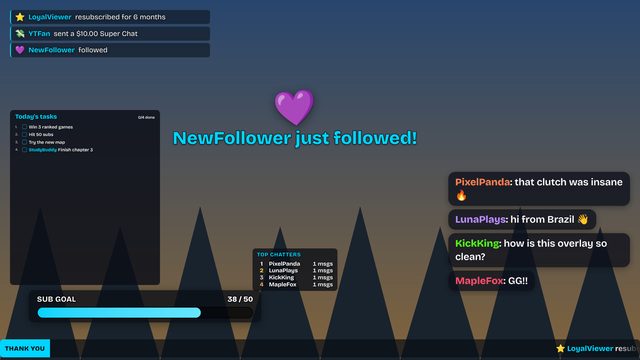 DefaultStandard · Bold and clean, works on anything
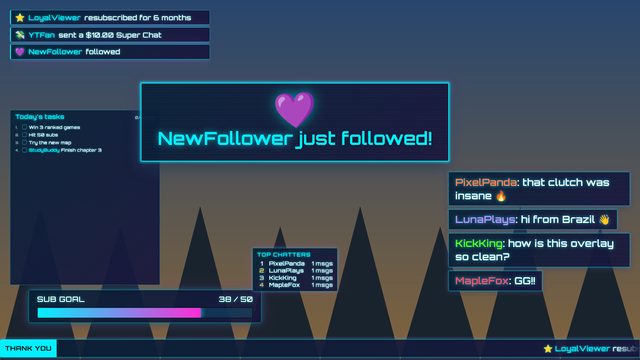 Neon CyberHigh-tech · Glowing neon edges, scanlines, Orbitron
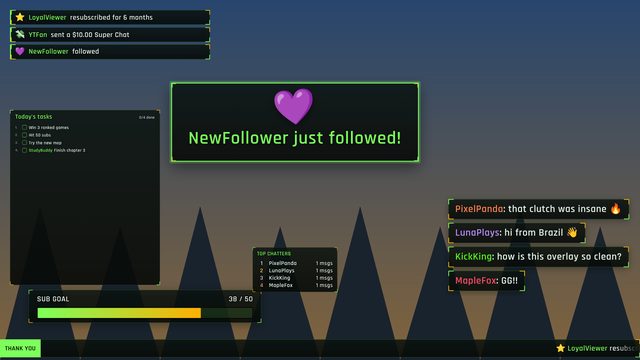 Tactical HUDHigh-tech · Corner brackets, green and amber, FPS feel
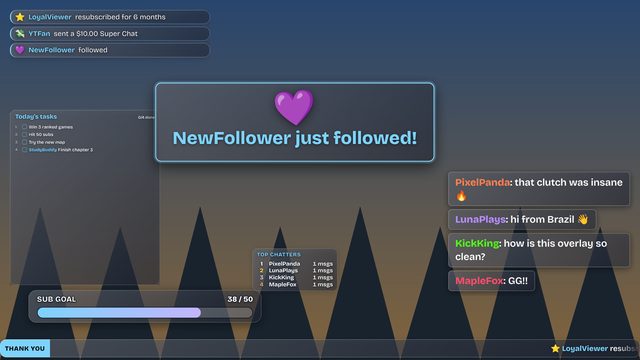 Frosted GlassClean modern · Light glass cards with soft shadows
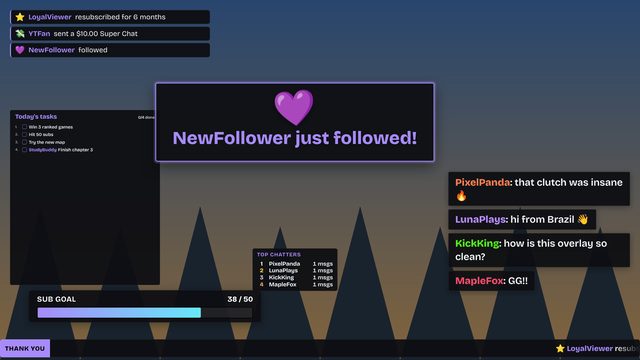 Midnight MinimalClean modern · Solid dark cards, thin lines, quiet
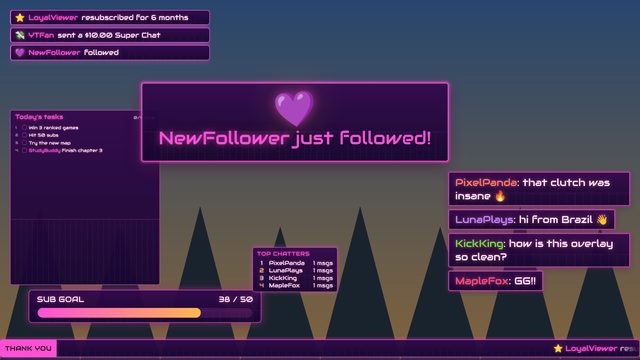 SynthwaveRetro · 80s pink and orange glow with a grid
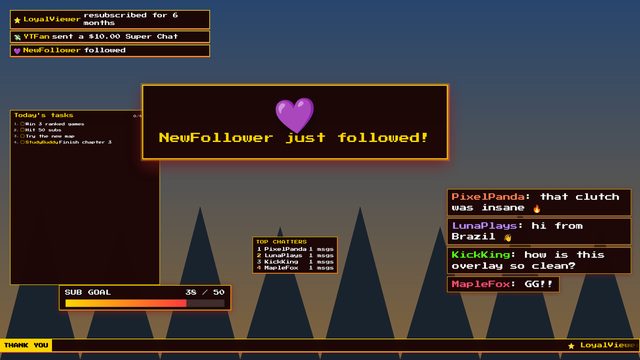 ArcadeRetro · Pixel font, chunky borders, coin-op colors
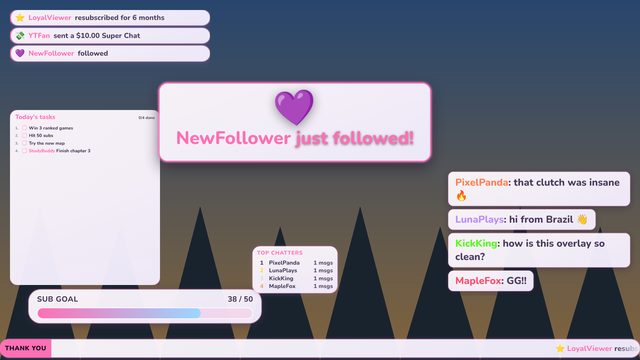 Pastel CloudCozy · Soft pink and lavender, round and cute
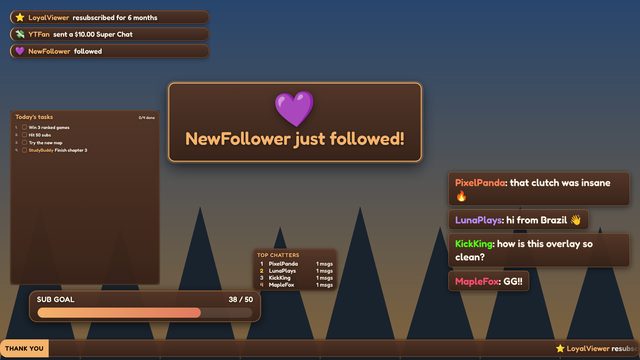 Cozy CaféCozy · Warm coffee browns, rounded and friendly
How the Overlay Suite works
- Pick widgets from the menu: chat, alerts, goal bar, subathon timer, starting-soon countdown, spin wheel, polls, bingo, viewer queue, Twitch predictions, face-filter facecam, talking avatar and more.
- Arrange them on the 1920×1080 preview: drag to move, drag the corner to resize. Click Customize to change a widget's colors, fonts, sounds and rules.
- Choose scenes: tick where each widget appears, in Starting soon, Live, Be right back and Ending.
- Add one Browser Source in OBS, Streamlabs or Meld with the overlay link, sized 1920 × 1080. Everything you picked is inside it.
Control it live
- OBS dock: in OBS, open Docks → Custom Browser Docks, name it "Overlay", paste the control link. You get switches for every widget, scene buttons and test alerts right inside OBS.
- Your phone: open the same control link on your phone or a second computer. Changes reach the overlay in about a second.
- Chat commands (you and your mods):
!ov hide chat,!ov show goal,!ov wheelto toggle one,!ov brbor!ov liveto switch scene,!ov alland!ov none. Change the!ovword in Options.
Hidden widgets keep running, so goal bars, subathon timers and credits keep counting while they're off screen.
Why one browser source is better
Separate overlays each open their own chat connection and use their own memory in OBS. The suite connects to Twitch, Kick and your Twitch account once and shares every event with all the widgets, which is lighter on your PC and keeps you under Twitch's limit on live event connections. It also means one link to manage instead of ten.
Keep the control link private: anyone with it can show and hide your widgets. If it leaks, use Make new private links in Options and update OBS.
Frequently asked questions
Is this a free alternative to Streamlabs or StreamElements overlays?
Yes. It covers chat, alerts, goals, timers, chat games and camera effects in one browser source with live controls, with no account and no watermark.
Do I need to log in?
No. Chat-based widgets work with just your channel name. Connecting Twitch is optional and adds real follow, sub, Bits, raid, channel-point and hype-train events.
How do I show or hide a widget during my stream?
Use the control panel in an OBS custom dock or on your phone, or type a chat command such as !ov hide chat. The broadcaster and mods can use commands.
Can I still use a single overlay on its own?
Yes. Every widget also has its own page and link if you only need one.
Was this calculator helpful?